
Tutorials
Earn points and request real rewards
Turn points into something real, like a trip to the cinema or some pocket money. Create rewards, let your kids pick and request one, and approve or reject each request.
Prefer YouTube? Watch on YouTube
Step by step
-
1
Kids earn points for every routine they finish.
-
2
As a parent, open Rewards and tap New Reward. Give it a name, set the points and choose who can earn it.
-
3
Kids open their rewards and tap Set as focus on the one they want most. It shows on their home page with a progress bar.
-
4
With enough points, they tap the reward card on their home page, then Request.
-
5
Parents open All Requests from their own phone or computer and approve or reject each request.
-
6
Approving takes the points off and the reward is theirs. Rejecting needs a reason, and the kid keeps the points.
-
7
Kids see every answer, and who approved it, under Requests.
More tutorials
 1:01
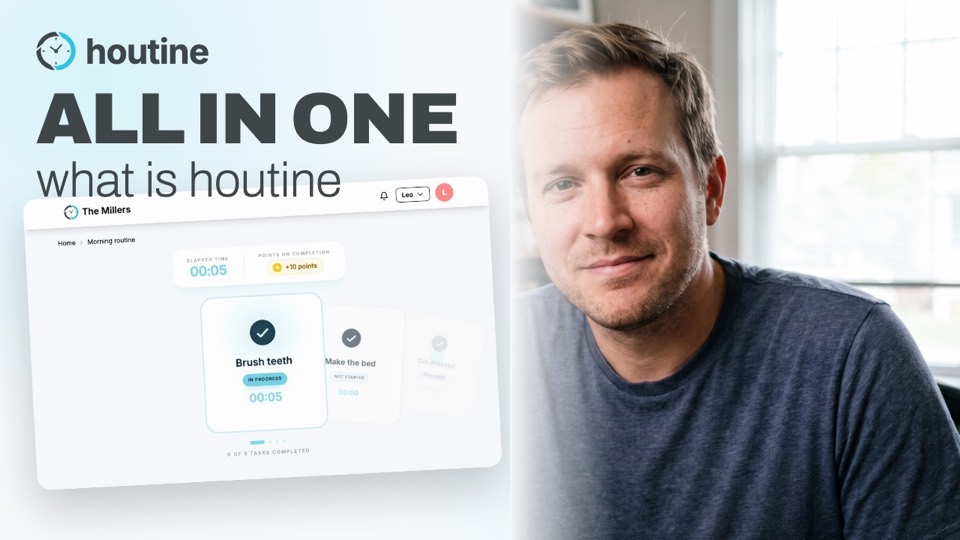
What is Houtine?
A one-minute tour: routines with clear steps, points and rewards, parent review and a private PIN, on the computer, iPhone, Android, or just by asking Alexa, ChatGPT or Claude.
Watch →
 1:07
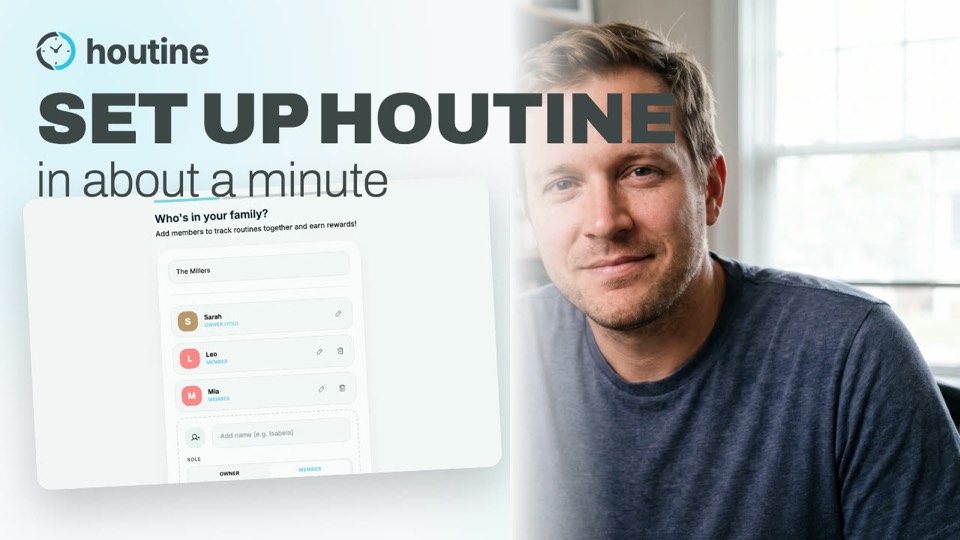
Getting started: set up your family and first routine
Create your account, add your family, set up your first routine and watch your kid complete it.
Watch →
 1:29
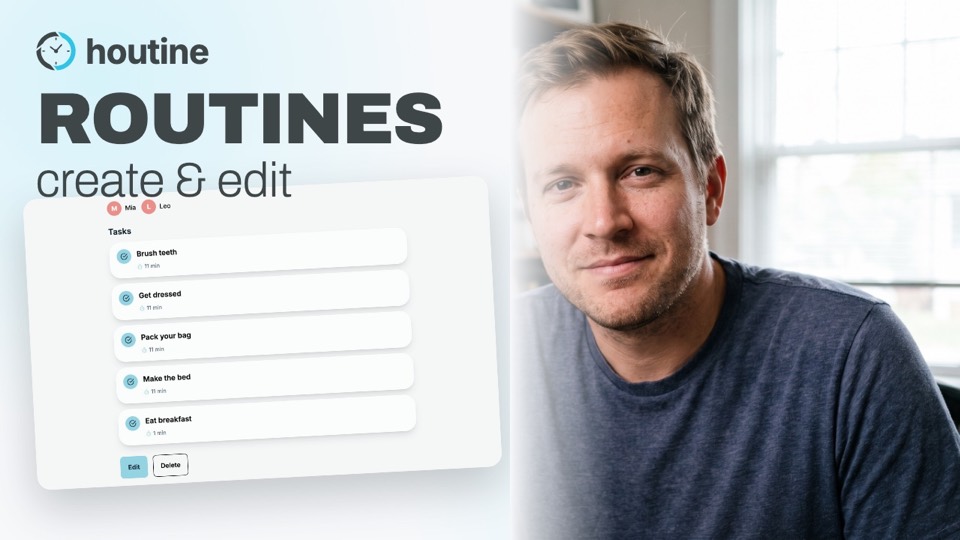
Create and edit a routine for your kids
Build the daily steps your kids follow, like getting ready for school: name, time, points, days and who does it. Then put the steps in order and change them any time.
Watch →
 1:37
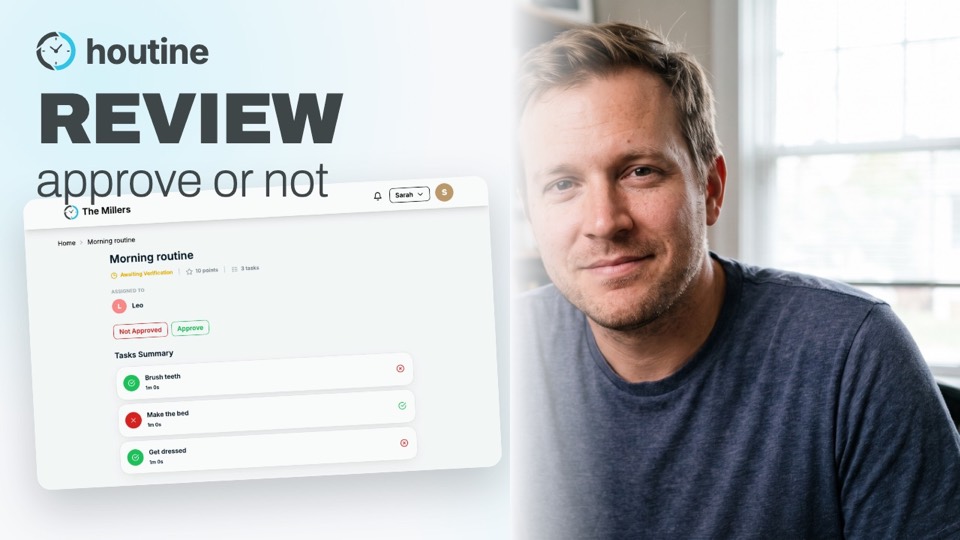
Review and approve your kids' routines, task by task
Turn off auto-approve for a kid, check each finished routine task by task, and decide if it's approved. When it isn't, Houtine takes the points back.
Watch →
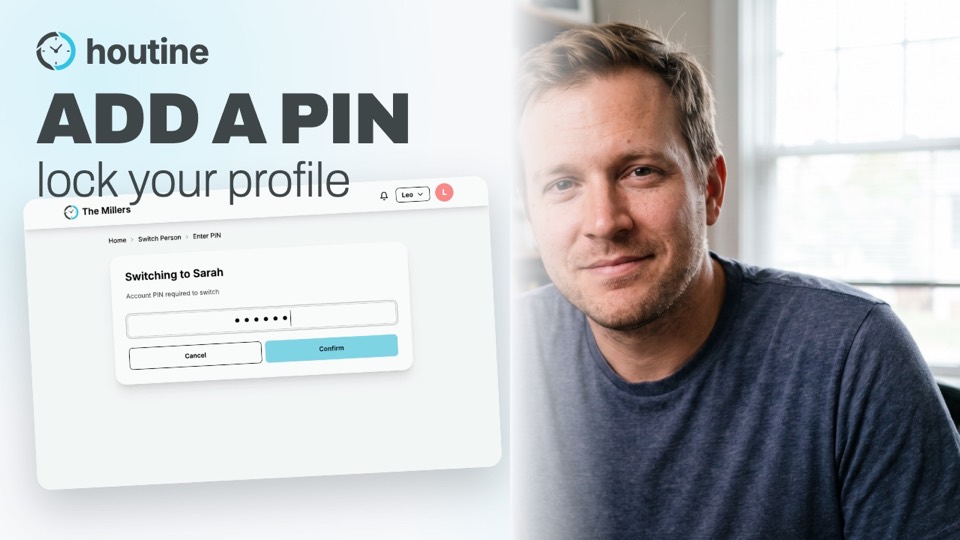 1:15
Switch between people and lock your profile with a PIN
Set up each kid's device with their own profile, and add a PIN so only parents can switch back.
Watch →
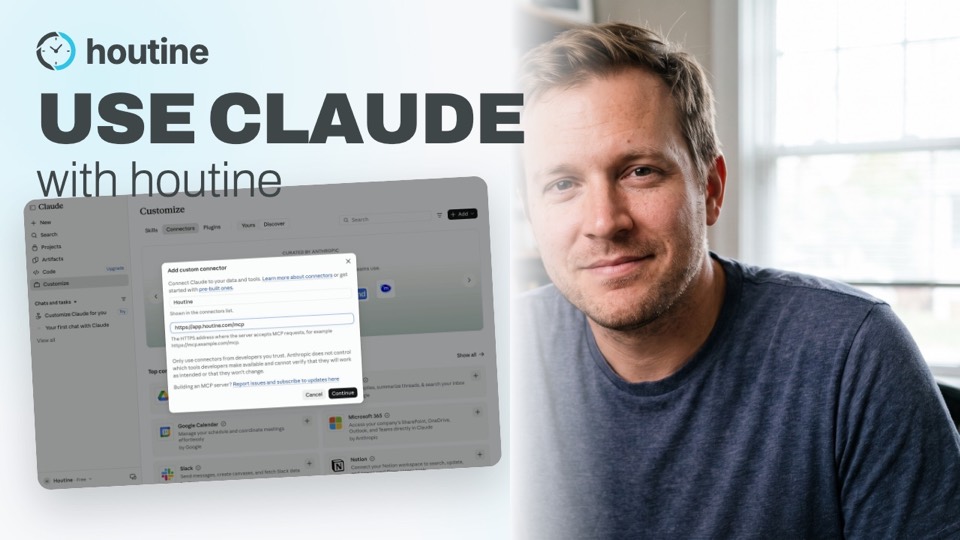 1:22
Connect Houtine to Claude and run routines by chat
Add Houtine to Claude with our link, then ask Claude to create a routine and check off each task as your kid goes.
Watch →
 2:29
Run your kids' morning routine with Alexa
Set up the Houtine AI skill in three steps, then watch Leo start his morning routine, hear each next task and check it off just by talking to Alexa.
Watch →